

Vendor Billing Best Practices: Maximizing Your Accounts Payable
There are two ways people underestimate billing. First, they don't realize how time consuming the billing process can be. Second, they don't realize how much negotiating room stronger billing practices can buy them, both in money saved and in cash flow managed. Accounts payable, or the money your business owes its suppliers, is an important thing to get right. There are only two directions money can move – in or out – and AP is the latter half of that all-important equation.
In this guide, we're going over some of the ways you can strengthen your vendor billing process. We'll break down the fundamentals of accounts payable, explain how modern tools are automating away some of the most time-consuming aspects of bill management, and introduce the most important features you should look for in a billing system to give your business more flexibility, stronger security, and more opportunity for vendor relationship management.
We'll also show you how Slash can help your business automate its billing, from parsing invoices into draft bills to routing approvals and executing payments. Slash is a business banking platform with built-in AP tooling:¹ it keeps a single verified record of every vendor's banking details, pays bills from the accounts you already hold, and supports outbound payments by ACH, wire, RTP, FedNow, or stablecoin.⁴ Continue reading to learn more.
The standard in finance
Slash goes above with better controls, better rewards, and better support for your business.
What is Vendor Billing?
Vendor billing is the set of steps between receiving an invoice from a supplier and getting that supplier paid. It sits inside accounts payable (AP), the function responsible for money the business owes. The billing lifecycle breaks down into six stages:
- An invoice arrives asking your business for payment
- Someone records its details
- Those details get checked against what was ordered and received
- The invoice is coded to the correct general ledger account
- An approver signs off for a payment
- A payment goes out in accordance with the bill's payment terms
Step three is the most crucial part of the process. Checking a bill is called invoice matching, and it confirms the invoice details against your own internal records. The most thorough version is three-way matching, which compares the invoice against the purchase order (what you agreed to buy) and the receiving record (what actually showed up). If all three agree, the invoice is payable. If they don't, it needs review. Smaller businesses may skip the purchase order and confirm against a contract instead.
There’s also some strategy around using payment terms effectively. "Net 30" is the most common payment deadline, and it means the full amount is due 30 days after the invoice date. "2/10 net 30" adds an early payment discount: pay within 10 days and take 2% off. These are only two examples, but there are many different commonly used payment terms. The important takeaway is this: timing your payments to your cash flow cycle is what keeps capital available when you need it.
Importance of Automation in Vendor Billing
AP automation software typically handles the same core processes: capturing invoice data, routing approvals, executing payments, and writing results back to your books. The category does have some variability, which can determine which type of software you end up using:
- Point AP tools handle invoice capture and payment and sync to accounting software. A fit if AP is the only broken process.
- Spend management platforms bundle AP with corporate cards and expense reimbursement, so card spend and vendor bills sit in one ledger.
- Enterprise procure-to-pay suites add requisitions, sourcing, and supplier onboarding, with the implementation timeline that implies.
- Business banking platforms put bill pay next to the accounts the money leaves from, removing the step of syncing an AP tool to a separate bank.
For example, Slash is a business banking platform with AP automation capabilities. You can forward or upload invoices, which are then parsed into draft bills in your dashboard. Approval routing can be configured by dollar threshold and approver, and bills can be paid by ACH, domestic or international wire, RTP, FedNow, card, or USD stablecoin. Because Slash also holds the accounts the money moves from and syncs two-way with QuickBooks Online, Xero, Sage Intacct, and NetSuite, there's no separate reconciliation between your bank statement and AP tool.
Benefits of automated vendor payment systems
Regardless of the type you choose, AP automation software cuts down on the time you spend reviewing and handling invoices. Here's how they work.
Optical character recognition (OCR) is a tool that reads text out of an image or PDF. It pulls the vendor name, amount, date, and line items off an invoice, so a person reviews a pre-filled draft instead of typing one. The system then checks that draft against your preconfigured approval rules: a $400 software renewal auto-approves under policy, a $15,000 equipment invoice routes to a named approver and waits. Every action is logged, which is what auditors and diligence processes actually ask for.
Once approved, the bill is paid on the rail you choose, either immediately or scheduled for its due date. When every bill has a known due date in one system, it's easier to make strategic decisions around paying early enough to take a 2/10 discount or paying late enough to hold your cash without getting hit with a late fee. Additionally, having all your bills land in one place makes duplicate detection easier, so you aren't paying double by accident.
Key Features of Vendor Billing Software
The highest-impact features in AP are the ones that remove human steps without removing human judgment. These are the features worth weighting heavily when you evaluate a platform for your business:
Automated invoice capture
Invoice capture is non-negotiable. A dedicated intake address gives vendors one place to send invoices, and parsing pulls the vendor, invoice number, dates, line items, tax, and totals into a draft bill. If capture is unreliable, someone has to check every field by hand, which reinstates the data entry work you bought the software to remove. Test accuracy during a trial on your own messiest invoices, including the handwritten and photographed ones, rather than on the vendor's demo file.
Configurable approval workflows
Approval rules are how you keep your spending policy from getting ignored. The two standard configurations are dollar thresholds and multi-step chains: you set the amount above which a bill needs a manager sign-off, designate who signs off, and anything over the limit is held until they do. Set the thresholds against how your business actually spends, and name more than one person at each level so a single approver's week off doesn't turn into a late payment.
Multiple payment rails
ACH is cheap and widely accepted for routine domestic bills. Wires handle large or international payments. RTP and FedNow settle in near real time, which is worth the higher cost when a payment is time-critical. Stablecoin rails can be faster and less expensive than traditional cross-border transfers for international suppliers who accept them. A platform that supports only one or two rails may force you into paying more than necessary in fees or restrict your flexibility to capture last minute discounts.
Two-way accounting sync
Two-way accounting sync means that changes in your AP platform are reflected in your accounting software, and changes in your accounting software are reflected in your AP platform. A one-way integration still will leave you reconciling things by hand. What you want is bills, payments, vendor records, and general ledger coding moving in both directions between the AP system and your ledger, so a payment made in one place appears correctly coded in the other without a CSV export.
Fraud controls and audit trails
Two questions worth asking: what happens when a vendor's bank details change, and who is allowed to release a payment? The strongest platforms flag changed banking details for re-verification and separate the ability to create a bill, approve it, and send the money across different roles. Behind that, a complete audit log of who did what and when is what you'll rely on during an audit, a diligence process, or the investigation after something goes wrong.
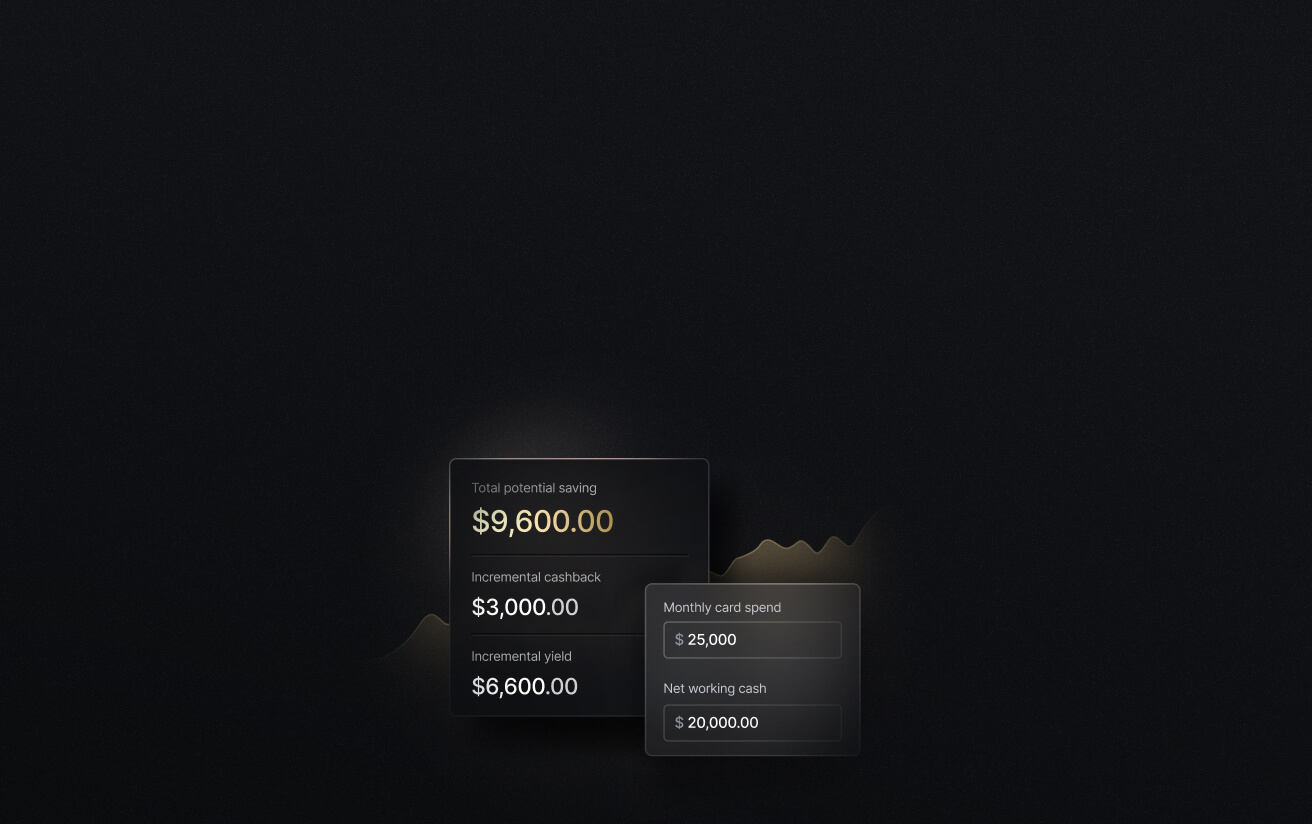
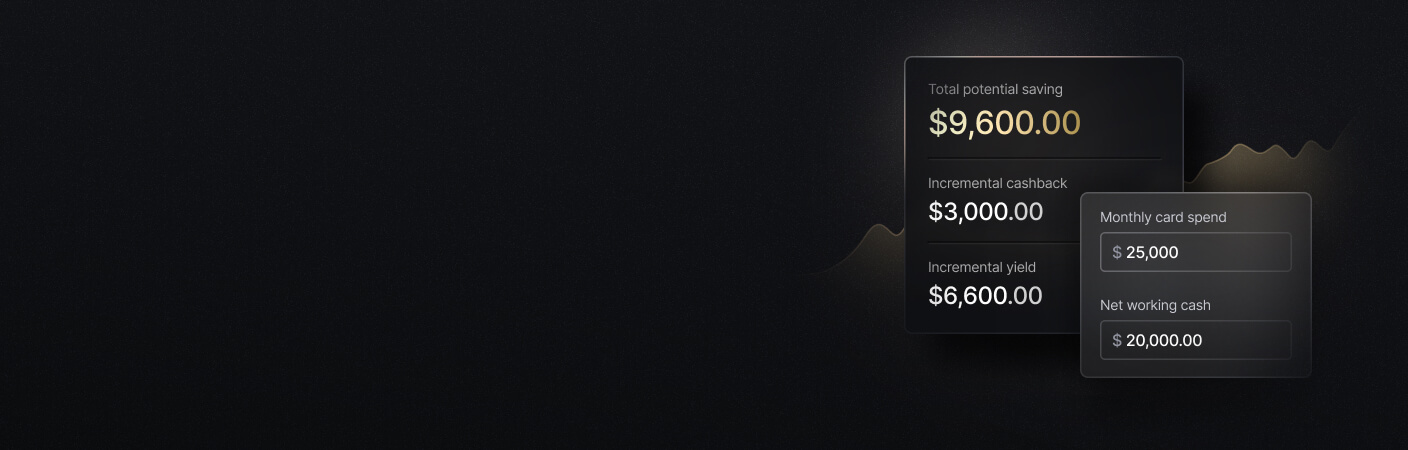
See the ROI behind your spend
Use this calculator to understand impact, then manage and track it all in Slash.
Strategies for Strengthening Vendor Relationships
Vendor relationship management tools track the commercial side of a supplier: contract terms, renewal dates, contacts, performance history, and payment record. Used well, they turn a set of one-off transactions into something you can negotiate from. Most of the value comes from a handful of habits rather than from the tooling itself.
Maintain a clean vendor master file
One record per vendor, with verified banking details, tax documentation (W-9 for U.S. suppliers, W-8 series for foreign ones), agreed terms, and a named owner on your side. Duplicate and stale records are where both errors and fraud tend to live, so a quarterly cleanup earns its time back. Treat the vendor record as the single source of truth, too: terms agreed by text or in a hallway don't survive staff turnover, so changes belong in the record rather than in someone's memory.
Track vendor performance and payment history
If a vendor's delivery slips or their invoices routinely differ from their quotes, that belongs in the record before renewal comes up, not in an impression someone recalls during the negotiation. Your own side matters just as much. Average days to pay is a number your vendors already know, and it shapes what they'll offer you. A supplier you've paid on time for two years, with volume growing, may extend terms, offer a discount, or prioritize your order during a shortage. Those concessions are usually available to businesses that can show the record and ask.
Manage vendor contract renewals and recurring spend
Auto-renewing contracts discovered after they renew are a common source of avoidable spend. Set reminders far enough ahead that you have time to renegotiate or cancel rather than just absorb the increase, and review recurring charges periodically, since spend analytics make it easier to catch a subscription that quietly grew.
Communicate invoice and payment status to vendors
Most vendor friction is informational rather than financial. A supplier chasing payment usually doesn't know whether the invoice was received, approved, or scheduled, and the cheapest fix is telling them. "Approved, scheduled for the 15th" is more useful to a vendor's own cash planning than silence followed by a deposit, and it removes a category of follow-up email your team would otherwise answer one message at a time.
Set clear vendor invoice requirements and payment terms
Tell vendors where to send invoices, what the invoice needs to include (PO number, entity name, itemized detail), and what your standard payment terms are. Most billing disputes trace back to an invoice that was never going to pass your match in the first place. This works internally as well: when the people raising purchase orders understand payment terms and the approval chain, they set realistic expectations with suppliers instead of promising dates AP can't meet.
Best Practices for Vendor Billing Management
Vendor billing rarely breaks all at once. Rather, it drifts. Invoices start arriving in a second inbox, approval limits set two years ago stop matching what the business spends, and one person's workaround becomes how it's done. A few habits can keep that from happening:
- Run everything through one system: If half your invoices come in by email to whoever placed the order, your aging report is fiction and your approval rules only cover the bills that happened to pass through them.
- Keep multiple entities under one login: Separate logins per entity mean separate approval rules and a manual rollup every month-end. Slash supports multiple businesses under a single login with per-entity views and a dedicated AP inbox for each, so a finance lead can see group exposure without losing entity-level books.
- Clean the vendor list before you migrate it: Duplicate and unverified records imported into better software are still duplicate and unverified records.
- Verify bank detail changes: Vendor impersonation is a real source of fraud. If you ever notice a change to the banking details on an invoice, call a contact at a number you already have on file to verify, rather than replying to the message that requested the change.
- Walk new approvers through your policy: They should see the approval matrix, the payment calendar, and who to escalate a suspicious invoice to.
- Revisit approval limits quarterly: Limits set when you had 20 employees are usually wrong at 60. The same review is a good time to strip payment permissions from anyone who has left.
Automate Your Vendor Billing with Slash
If you're spending too much time sifting through overdue invoices, having a hard time sticking to your spend policies, or looking for a better way to send payments to your vendors, Slash can help with all three.
Upload a bill to your Slash dashboard and it's parsed into a draft with the vendor, amounts, dates, and line items already populated, then approval routing sends it to the right person. Slash keeps one verified record of each vendor's banking details, so you’ll know what details to trust and which to flag. Once a bill is approved, automated payment execution handles the timing, so deadlines and discounts like 2/10 net 30 don't depend on anyone remembering.
With Slash Pro, domestic payments carry no per-transaction fee. That covers same-day ACH, domestic wires, RTP, and FedNow. International wires reach 180+ countries, and USDC and USDT support can be faster and cheaper for overseas suppliers who accept them. Because the bills and the accounts sit on one platform, there isn’t an extra step to reconcile between your bank and your AP tool, either.
Here’s what else you get with Slash:
- Slash Visa Platinum Card: Up to 2% cash back, automated receipt matching, and every transaction captured and coded in your dashboard as you spend.
- Multiple payment methods: Domestic and international ACH, wires to 180+ countries and 135+ currencies, RTP, FedNow, and support for USDC and USDT stablecoins.
- Accounts payable and receivable tools: Create professional branded invoices from saved customer information, collect payments through embedded links, and upload bills to Slash to review, approve, and schedule what you owe.
- High-yield treasury accounts: Money market funds from Morgan Stanley and BlackRock, with no minimum balance and securities protected up to $500,000 by SIPC.⁶
- Flexible financing: Working Capital Financing offers short-term lines of credit you can draw from the dashboard, with 30, 60, and 90-day repayment terms.⁵
- Accounting integrations: QuickBooks Online, Xero, NetSuite, and Sage Intacct, with automated mapping to your GL accounts and custom coding rules you can automate.
Apply in less than 10 minutes today
Join the 10,000+ businesses already using Slash.
Frequently Asked Questions
What is the difference between vendor billing and accounts payable?
Accounts payable is the broader function covering everything a business owes suppliers, including the liability recorded on the balance sheet. Vendor billing is the operational process inside it: receiving invoices, validating and approving them, and paying them. In practice the terms overlap, and many teams use them interchangeably.
How to Streamline the Accounts Payable Process for Faster Payments & Better Cash Flow

How long should it take to pay a vendor invoice?
That depends on the terms you agreed to, most commonly net 30. The more useful internal metric is how long an invoice sits before approval, since a business that approves in two days can choose to capture an early payment discount or hold cash until the due date. Approval cycles measured in weeks remove that choice.
Can vendor billing software integrate with QuickBooks or Xero?
Most established platforms offer some form of accounting integration, though the depth varies. Ask specifically whether the sync is two-way and whether it carries GL coding, vendor records, and payment status rather than exporting a flat file. Slash offers two-way sync with QuickBooks Online, Xero, Sage Intacct, and NetSuite.
Now Live: Integrate with Xero and Sage Intacct

How do you prevent duplicate vendor payments?
A clean vendor master with one record per supplier, unique invoice number checks at intake, and a single intake channel so the same invoice can't enter through two different doors. Software can flag likely duplicates, but it can only compare records it can see, which is why a consolidated queue matters.
Is paying vendors by card better than ACH?
It depends on the vendor. Paying by card buys you extra time before the cash leaves your account and may earn rewards, but plenty of vendors add a surcharge or won't take cards at all. Rail choice otherwise comes down to cost, though on Slash Pro domestic payments have no per-transaction fee, including same-day ACH, domestic wires, RTP, and FedNow, so you can choose based on when the vendor needs the money.
ACH Credit vs. ACH Debit: What's the Difference, and How Should Your Business Use Them?


